A Mid-Year Website Audit Can Protect Summer Momentum
 By summer, many California environmental nonprofits are already moving fast. A new grant may be fueling outreach. A fundraising push may be scheduled. An outdoor event or community action campaign may be sending fresh visitors to your website.That momentum is valuable, but it can also expose problems your team has not had time to see. A mobile donation form that fails, a campaign page that cannot be found in search or an outdated event link can quietly get between a supporter and the action you hoped they would take.A mid-year nonprofit website audit gives your team a practical checkpoint. It helps you identify what is creating friction, prioritize what matters most before campaign traffic increases and make better decisions without turning your communications staff into accidental web developers.Back to “In This Article”
Start With Homepage and Campaign Action Pages
Start with the places where supporters are most likely to arrive and act. Your homepage and active campaign pages should clearly reflect current programs, events and ways to get involved. If the first thing a visitor sees is an expired announcement or a broken registration button, the organization feels less current and less trustworthy than the work it is doing.Review the pages tied most closely to summer goals:- Homepage banners, featured programs and primary calls to action
- Donation pages and recurring-gift forms
- Event registration, volunteer signup and advocacy action pages
- Campaign landing pages linked from email, social or partner outreach
- High-traffic program pages that introduce people to your impact
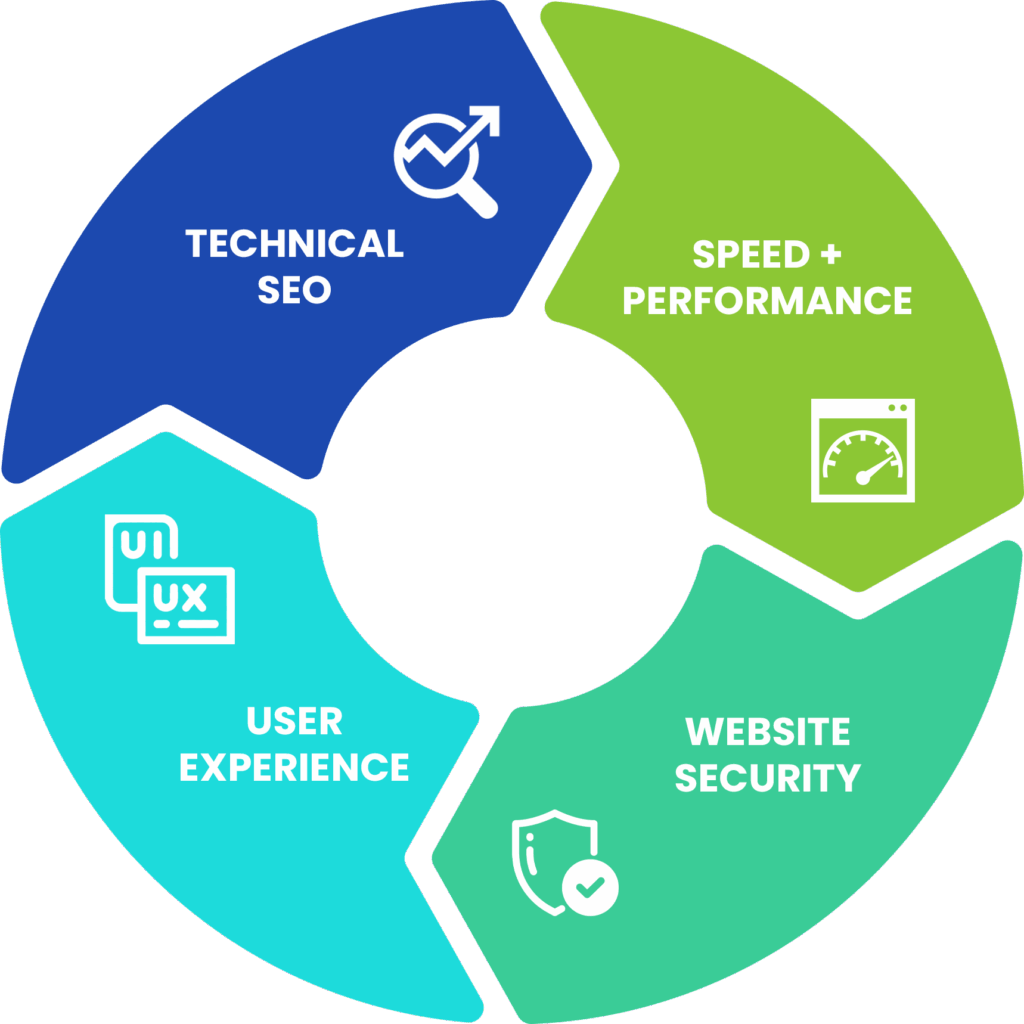
Review Speed, Mobile Experience and Accessibility
A supporter who clicks through from a summer appeal may be on a phone, outdoors, using limited bandwidth or fitting your request between other responsibilities. A heavy page or awkward mobile form can be enough to lose a donation, registration or email signup.Check for common experience issues:- Oversized images or embedded videos that slow important landing pages
- Navigation menus or forms that are difficult to use on smaller screens
- Buttons that are hard to tap or content that shifts while loading
- Missing alternative text, unclear headings or low-contrast text that creates accessibility barriers
Find Technical SEO Gaps Before They Limit Visibility
 Your team can publish important updates and still struggle to reach new audiences when technical search issues sit underneath the content. Mid-year is a good time to confirm that current campaigns, programs and resources are visible to both people and search engines.A practical nonprofit website audit should look for:
- Missing, duplicate or outdated page titles and meta descriptions
- Broken internal links that interrupt paths from program information to action pages
- Pages accidentally marked noindex or excluded from search results
- Outdated redirects, dead campaign URLs or orphaned resources that are difficult to discover
- Internal linking gaps that leave current campaigns buried within the site
Protect Donor Trust With Security and Maintenance Checks
Donors and program participants may share payment or personal information through your site. Routine website care helps protect that trust during busy outreach seasons.Your audit should confirm the basics:- Backups are running reliably and can be restored if something breaks
- SSL is valid and secure pages do not trigger browser warnings
- Your CMS, themes and plugins are current and maintained responsibly
- Forms use appropriate spam and security protections
- Privacy information and contact paths are current and easy to locate
Turn Audit Findings Into Leadership-Ready Priorities
Technical findings only help when they lead to action. If leadership hears that the website has plugin problems, poor metadata or mobile layout issues, the response may be uncertainty about cost or urgency. Translate each concern into the supporter or campaign experience it affects.For example:- Our donation form is difficult to complete on phones, creating friction for supporters arriving from summer outreach emails.
- Our active campaign page is not properly connected from priority site pages, making it harder for visitors to find the current action.
- Several updates and backup responsibilities are unclear, increasing the risk of a preventable website disruption during a campaign.
If you’re not sure whether your website is ready to support upcoming fundraising, advocacy or community engagement efforts, a Visibility Report can help identify issues before they impact supporter action. Gain clear insights into your site’s usability, search visibility, mobile experience and campaign readiness—along with practical recommendations your team can act on.
Request your Visibility Report today and move into summer with confidence.
Back to “In This Article”